
Market prices on all your CS2 skins
Free prices from several markets on your inventory and trade offers, right inside Steam.
 Download for Chrome
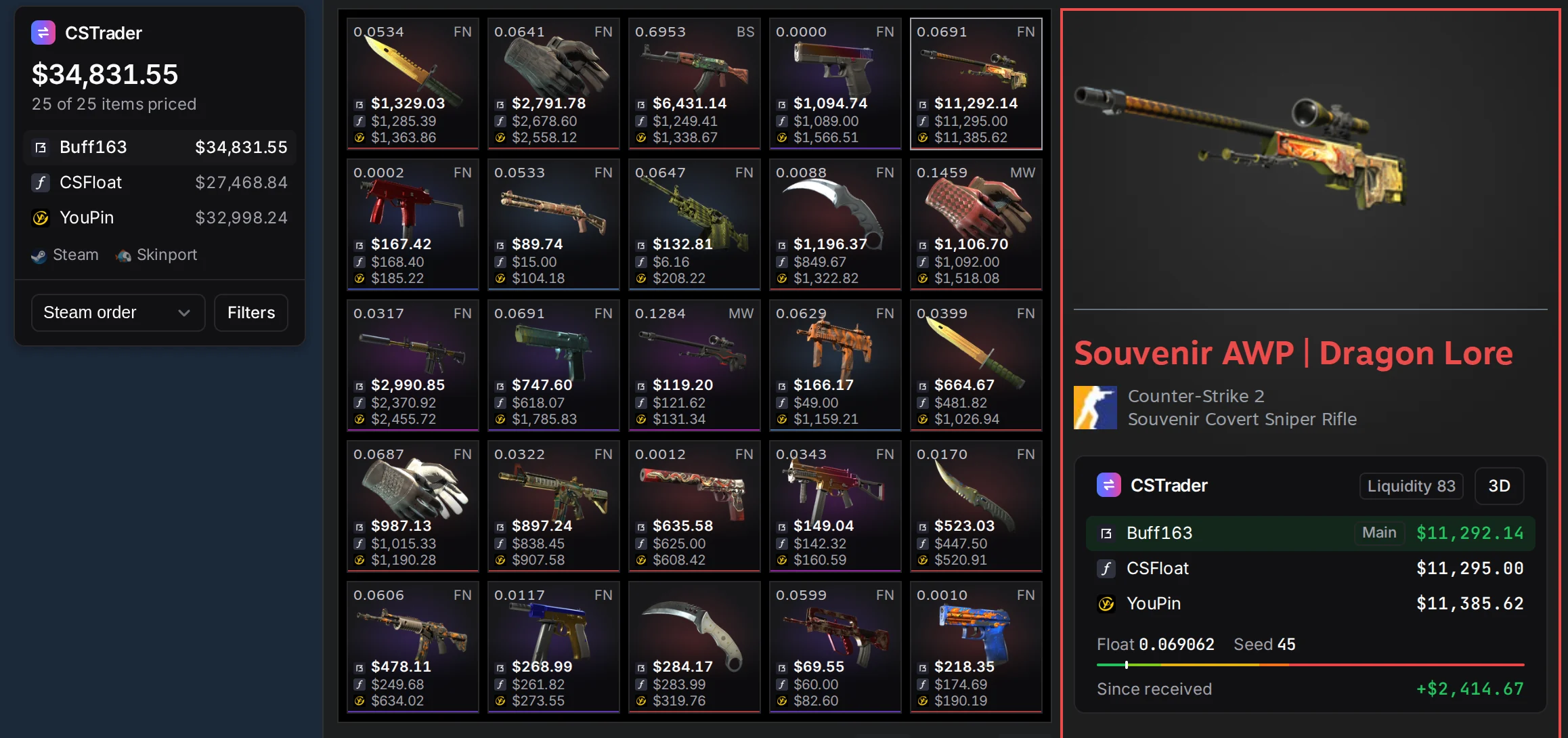
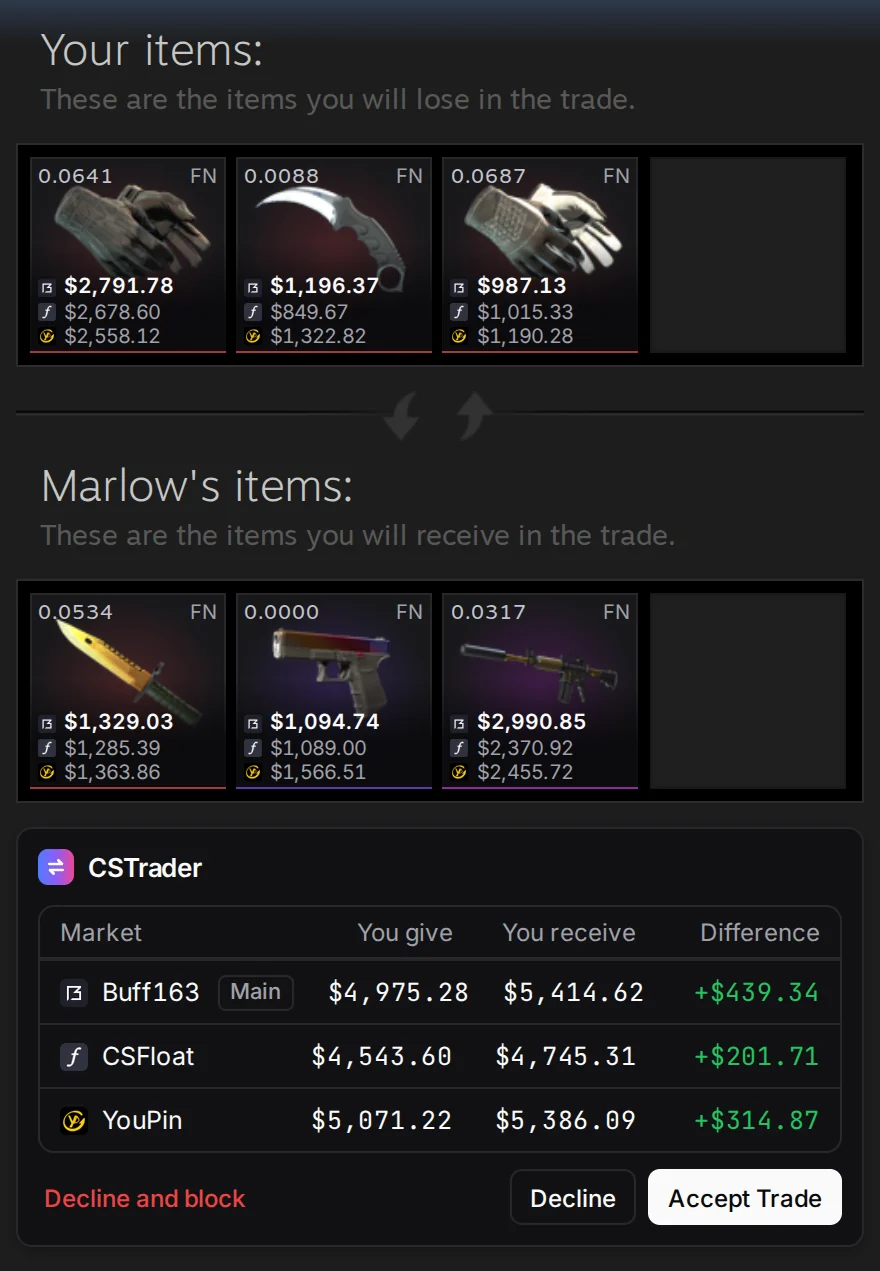
Know the difference before you accept
What you give against what you receive, on each market.
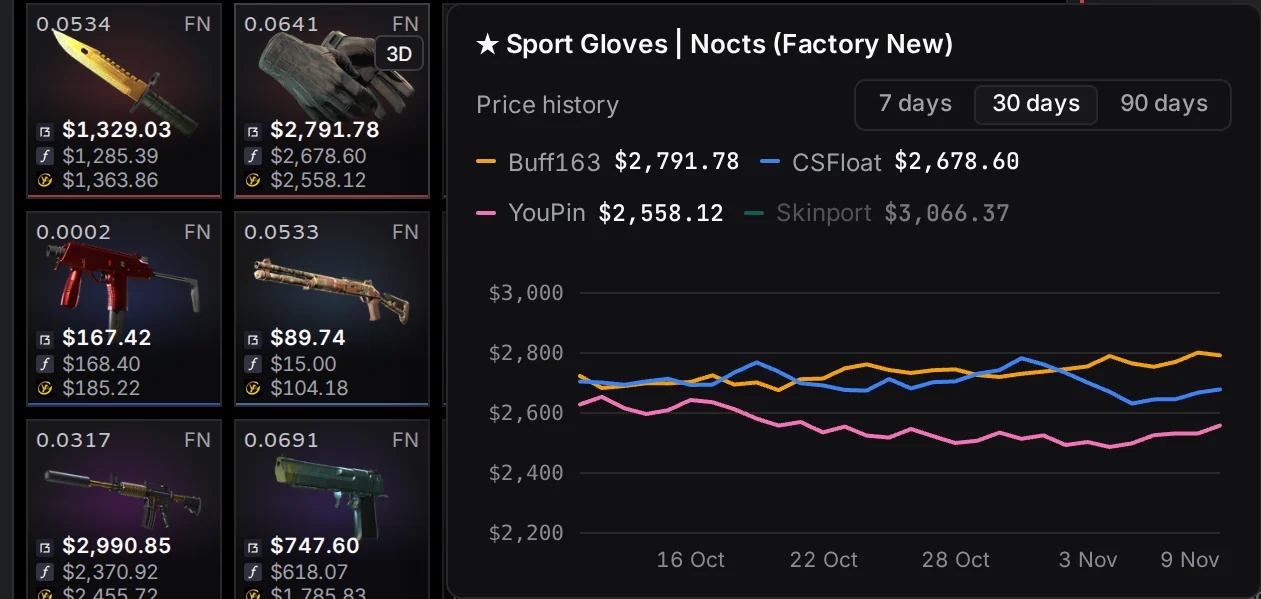
Hover any item for its price history
Pick the markets and the time range.
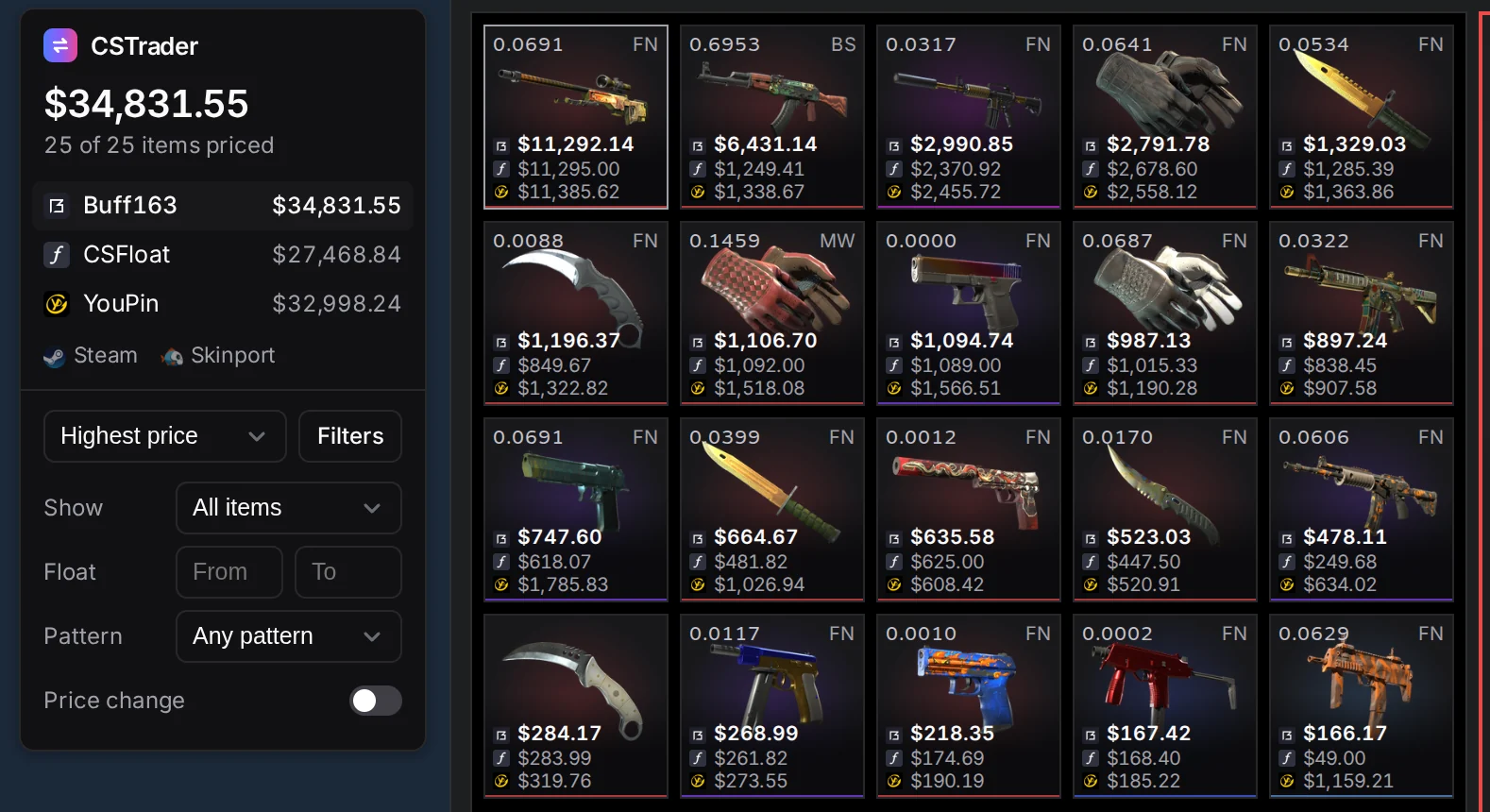
Your inventory, sorted by what it is worth
Price badges, sorting, filters and pattern details on every item.
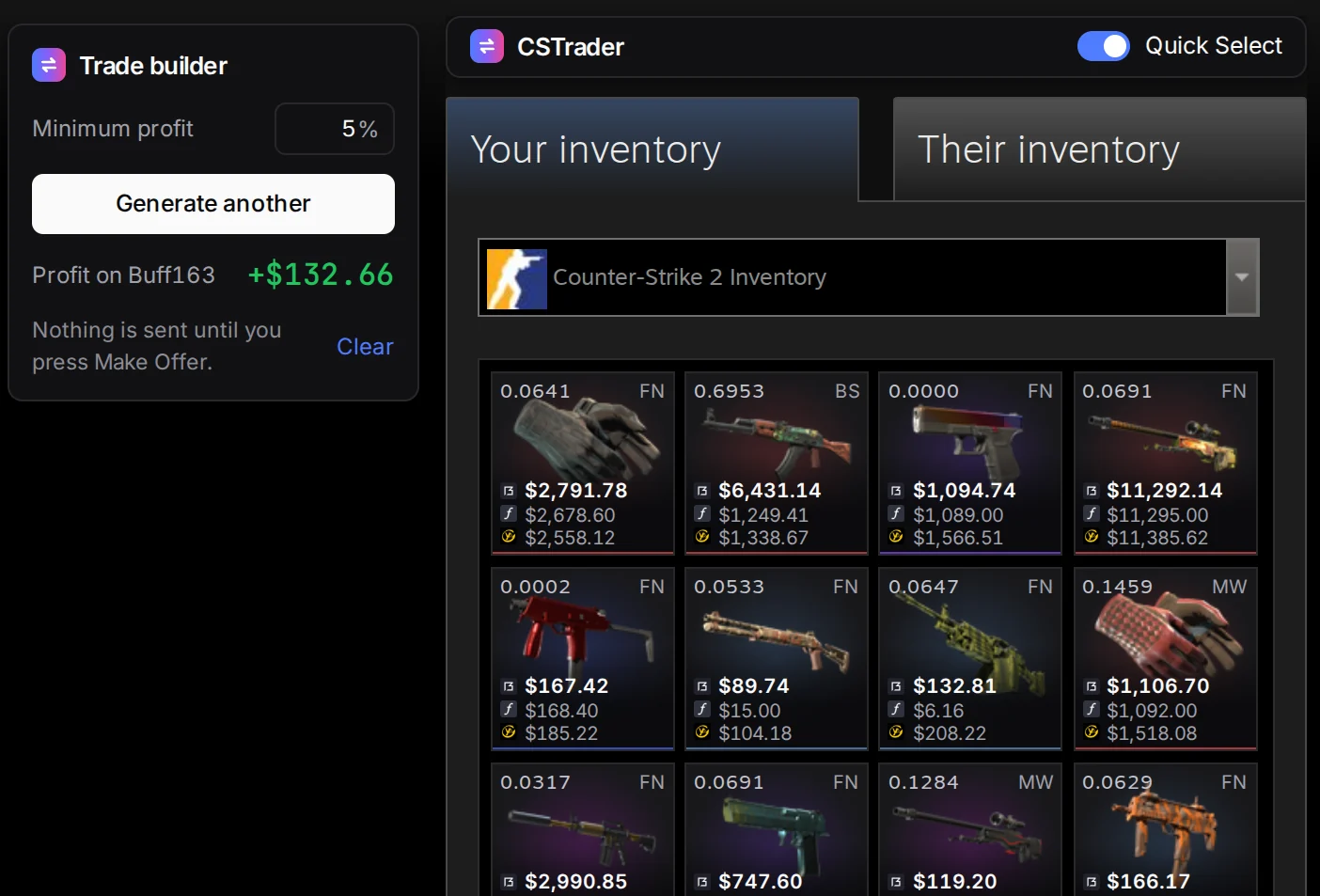
Generate a profitable trade with one click
It builds the offer. You check it and press Send.
Install in a minute
Chrome, Edge, Brave and Opera take the same five steps.
Download the zip and extract it
Open your browser's extensions page
Turn on Developer mode, at the top right
Choose Load unpacked and select the extracted folder
Pin CSTrader and open any Steam inventory
Firefox
Open this address, choose Load Temporary Add-on and pick the zip. Firefox removes it when it restarts, so load it again after a restart.
Updating
Download the new zip and load it the same way.
Questions about the extension
Anything else, ask us on Discord.
It adds market prices to your Steam inventory and trade offers, so you can compare what an item is worth without leaving Steam.
Yes. Turn markets on and off, and your inventory, trade offers and charts follow your choice.
Several CS2 markets, and you choose which ones to show.
Chrome, Edge, Brave, Opera and Firefox.
No. It shows you prices. Accepting or sending a trade stays with you, on Steam.
No. Prices show for anyone, with no sign in. Signing in is optional and adds your contract max prices beside them. The CSTrader trading software is separate and invite-only.
The extension is free.
No. It fills in the offer on Steam, and nothing goes out until you press Send.